

AngularJS is currently on everyone's lips: every web developer magazine is reporting on the use of the JavaScript framework. The Google trend is going through the roof - the Software & Support Media Group even offers its own AngularJS training courses, the so-called http://angularjs-days.de. But does the framework work and is it suitable for corporate use? A doubleSlash customer asked himself precisely this question.
The starting points of our customer:
- Global company
- Existing B2X infrastructure/existing supplier systems
- Intranet applications are to be expanded and made available as a mobile website or app
The question: How is it possible to sustainably integrate an AngularJS application into the existing compliance requirements of such a company? After extensive evaluations, the decision was made in favor of an AngularJS application that accesses the company data using Liferay REST services.
A service was created and documented using Liferay web services:
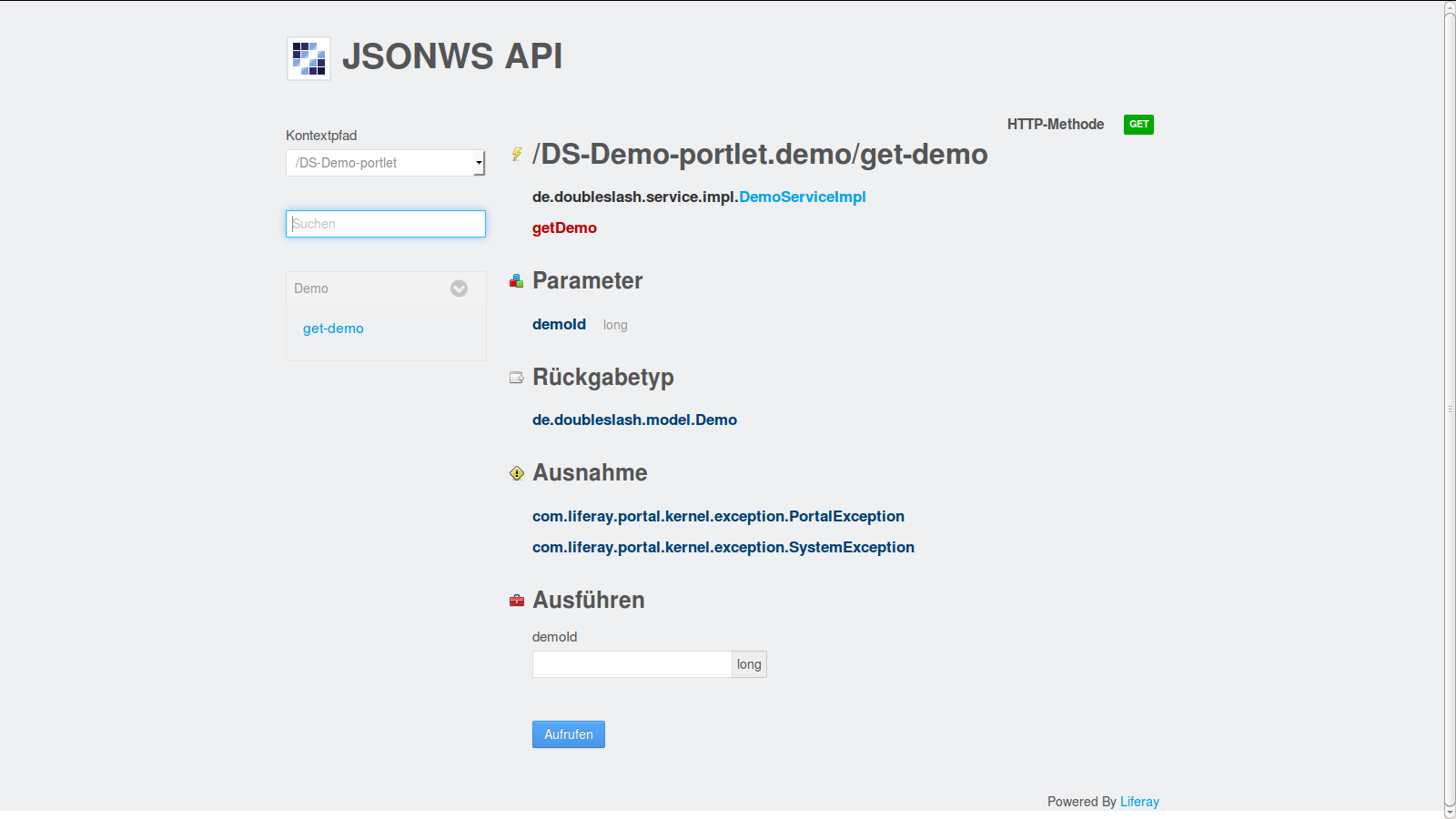
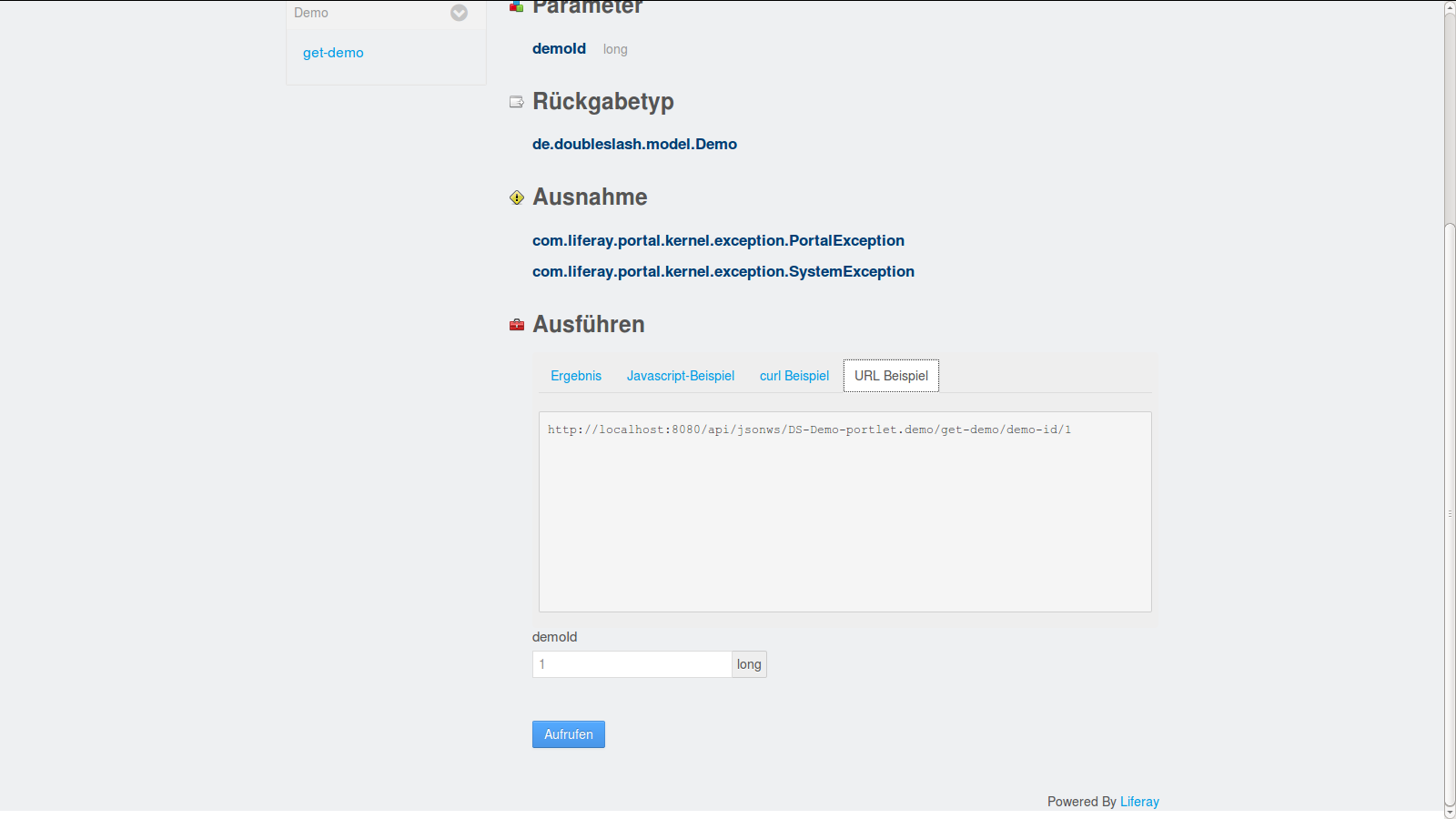
The AngularJS application now consumes the Liferay web service with all the benefits that the enterprise portal already offers.
How to create a Liferay web service?
To create a Liferay web service, you need the current Liferay IDE and create a new Liferay plug-in based on Maven. To do this, add a file with the name service.xml with the following content, for example, to the WEB-INF folder:
< !DOCTYPE service-builder PUBLIC "-//Liferay//DTD Service Builder 6.0.0//EN" "http://www.liferay.com/dtd/liferay-service-builder_6_0_0.dtd">

	Demo
The service is created using the Liferay target "build-service". Next, the required service methods must be implemented in the classes, in our example the "DemoServiceImpl" class. The Liferay target "build-service" must then be executed again via Maven. Finally, the service is installed in Liferay using the Maven target "deploy" and can be selected via http://yourdomain.de/api/json/.
Here is the source code of the example project described for download: DS demo