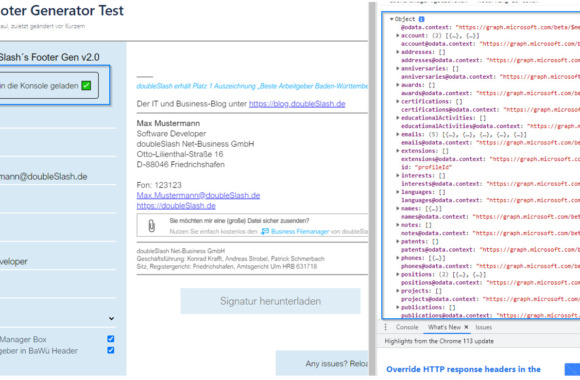
What is the React MSAL Library?
The React MSAL Library [1] is a JavaScript library developed by Microsoft that simplifies the integration of authentication functions in React applications. MSAL stands for Microsoft Authentication Library and provides comprehensive support for various authentication scenarios, including OAuth 2.0 and OpenID Connect. The React MSAL Library provides React components that can be seamlessly integrated into React applications to enable easy authentication.
Authentication with the React MSAL Library
The React MSAL Library simplifies the authentication process by providing predefined React components. With just a few lines of code, developers can integrate the authentication functions into their React application. The library supports various authentication scenarios, including login with username and password, the use of Azure Active Directory (Azure AD) and much more. By integrating the React MSAL Library, developers can ensure that only authorized users can access their applications.
Access to the Graph API
A key advantage of the React MSAL Library is its seamless integration with the Microsoft Graph API [2]. The Graph API provides developers with a comprehensive set of APIs to access Microsoft 365 (formerly Office 365) data and functionality. With the React MSAL Library, developers can easily access the Graph API to retrieve user profiles, send emails, create calendar events and much more. The library provides special functions and hooks that simplify access to the Graph API and enable developers to quickly access important data and functions. We take a closer look at the possibilities of using the Graph API below.
The Graph API in our // - Email Footer Generator
At doubleSlash, we generate our e-mail footer with a specially developed generator that we can easily access via a Confluence page:
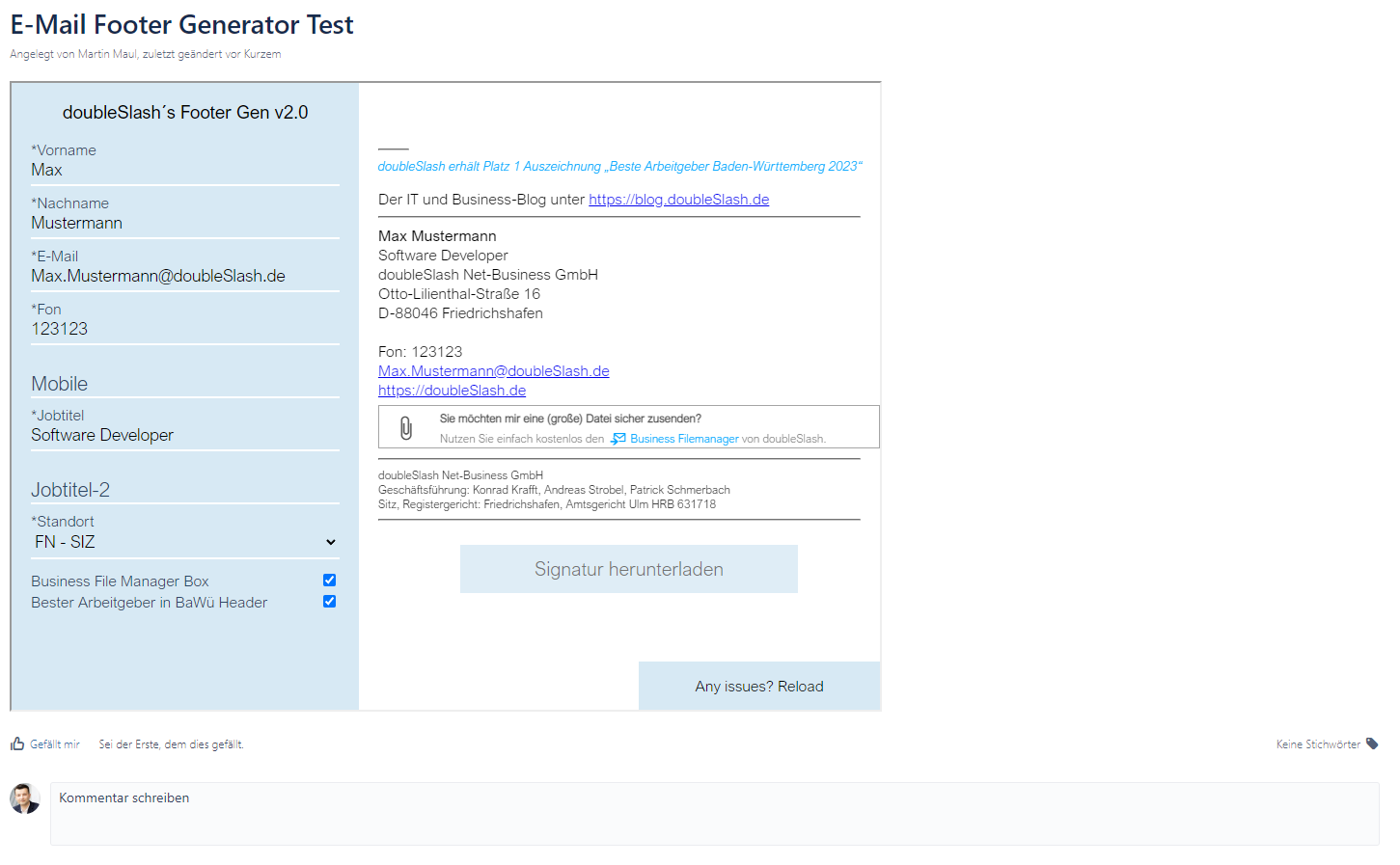
The application was written in React and can be integrated into a Confluence page via an iFrame. This makes generating an email footer child's play. But that's not all: we wanted to take it even further and have a user's information filled in automatically! To do this, we decided to make use of the React MSAL Library. A proof of concept was created:
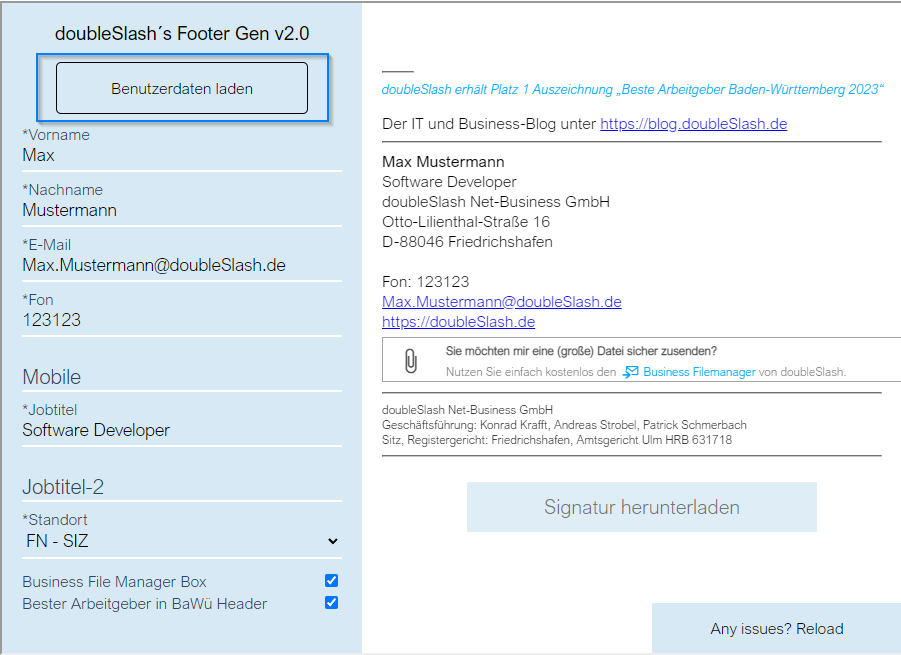
By clicking on the "Load user data" button, a login pop-up appears where we log in with our Microsoft account. If the login is successful, the React application sends a request to the Graph API to retrieve the logged-in user's data, which is then written to the browser console:
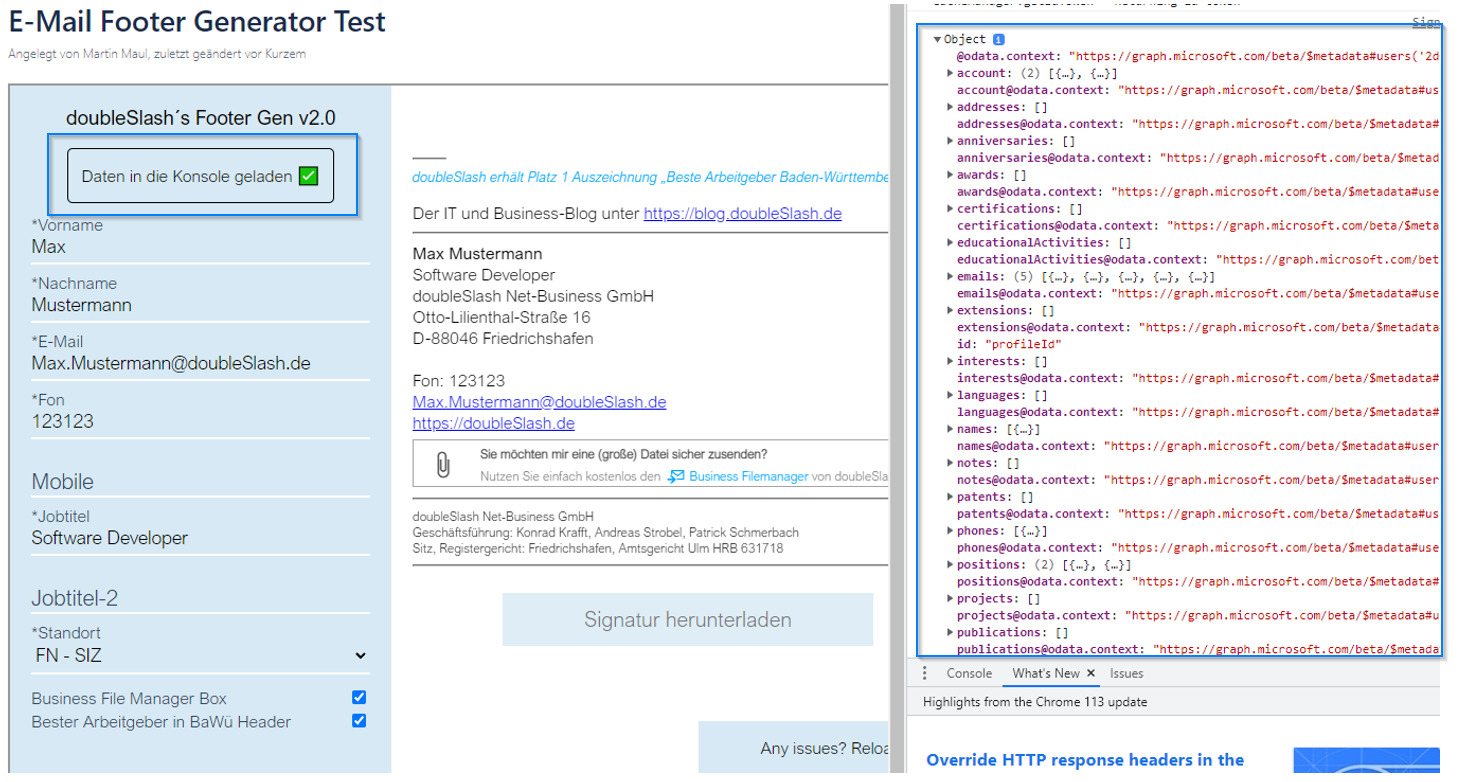
Now the data just needs to be entered into the fields. If we can obtain and enter user information securely, it is possible to implement many more use cases in Confluence. A few examples:
- One-click participant approval (Confluence HTML macro) with automatic leaving of personal data ([name] takes part in event x + contact information)
- Generation of a tabular list of team members (team leader authorization)
- Additional authentication for votes (e.g. authenticated voting)
- Additional visibility settings (internet/external employee)
- AutoFill of own data (personal data, skills, role, etc.) on a page where a listing is required
Many more use cases can be found by reading through the Graph API documentation [3] can be derived. Next, we will look at what else the Graph API could be used for, both with and without Confluence.
Use cases when using the Graph API
Using the React MSAL Library in conjunction with the Graph API offers a variety of use cases for developers. Here are some examples:
- Retrieve user profilesDevelopers can use the Graph API to retrieve detailed information about users, including name, email address, department, etc. This information can be displayed in the application or used for personalized functions.
- Calendar integrationAccess to the Graph API allows developers to retrieve and create calendar data. This enables, for example, the display of appointments, the creation of events and the sending of invitations via the application.
- E-mail integrationWith the Graph API, developers can retrieve, send and manage emails. This enables, for example, the display of inboxes, the sending of emails on behalf of the user and the management of email folder structures.
- File managementDevelopers can use the Graph API to access files and folders in OneDrive or SharePoint. This allows files to be uploaded, downloaded and managed via the application.
These use cases are just a few examples of the many possibilities offered by the React MSAL Library in combination with the Graph API. Developers can use the features of the Graph API to create user-friendly and powerful applications that are seamlessly integrated with Microsoft 365.
Conclusion
Among other things, the React MSAL Library enables simple integration of authentication in applications. Seamless integration with the Microsoft Graph API opens up a wealth of use cases for use with Confluence as a data source. If the library is combined with a Confluence HTML macro, applications can be developed that save time and effort.
[1] https://www.npmjs.com/package/@azure/msal-react
[2] https://learn.microsoft.com/de-de/graph/use-the-api
[3] https://learn.microsoft.com/en-us/graph/api/resources/users?view=graph-rest-1.0