Digital Easter eggs: What are Easter eggs?
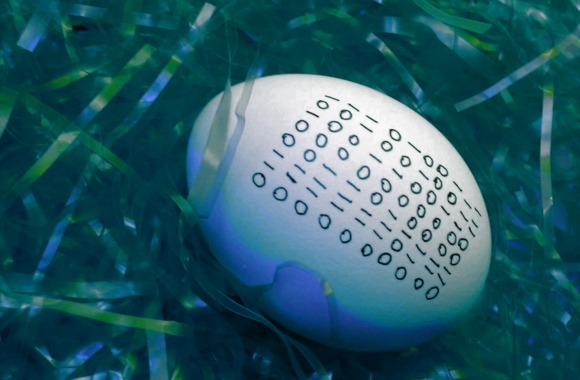
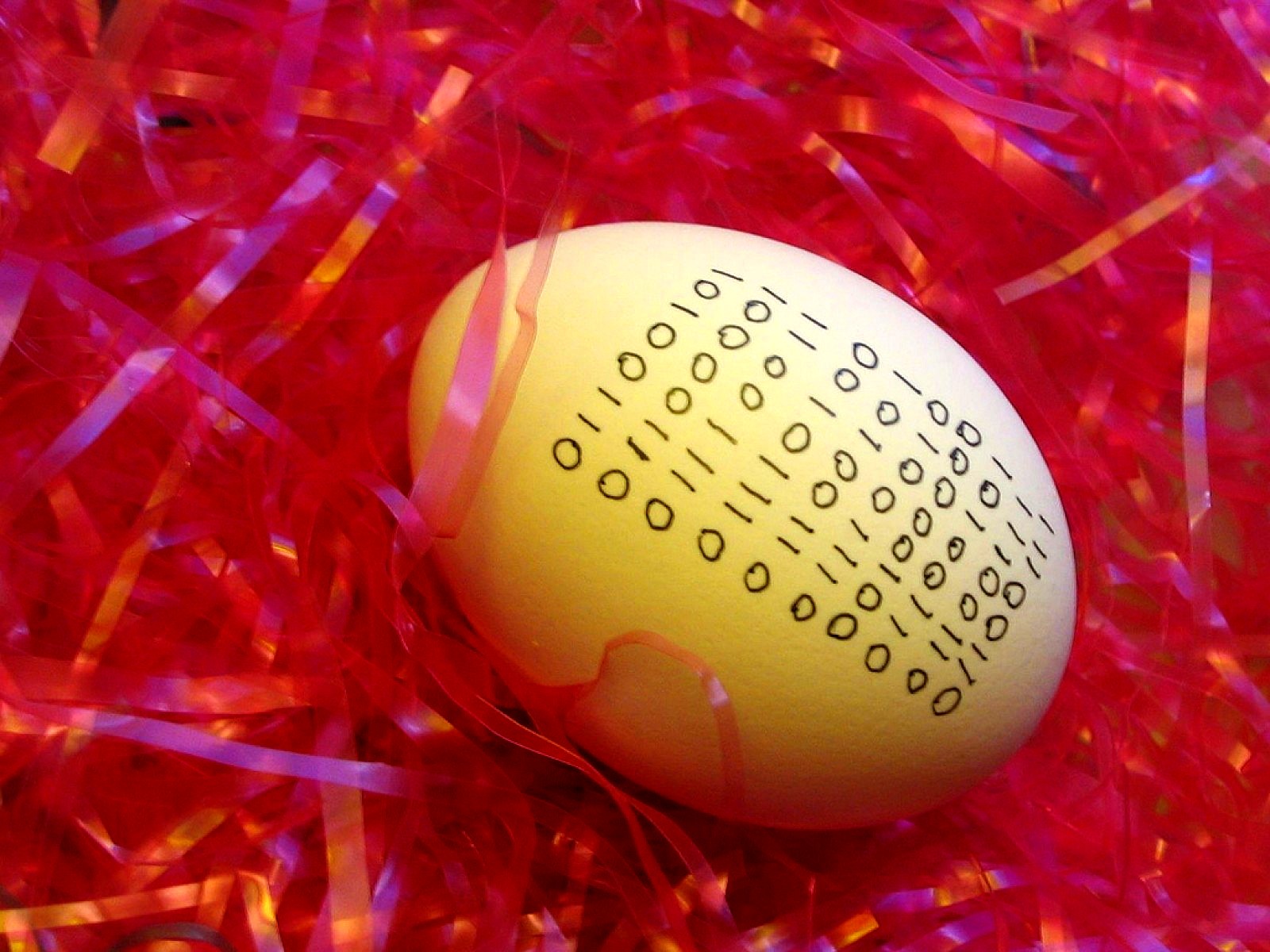
Easter eggs are hidden Messages, images or functions, in software or video games. Easter eggs are used so that the developer of the software or game can make themselves recognizable within the game. It is also often seen as a surprise hidden by the developer in a computer program.
Why developers surprise us with Easter eggs
The creators of the software want to immortalize themselves with the virtual Easter eggs in their software and at the same time provide users with entertaining entertainment.
A journey through time: The beginnings of Easter Eggs
The first ever Easter Egg is said to have been programmed for the Atari console back in 1978. Developer Warren Robinett hid a secret room in the game "Adventure", which in turn contained his name. According to Atari's philosophy, it was not permitted to reveal the names of the technicians.
Hide and seek: Easter eggs or just "hidden features"?
Sometimes hidden or hard-to-reach functions in programs and applications are mistakenly referred to as Easter eggs. However, for an Easter egg to be labeled as such by definition, it must three basic requirements be fulfilled:
- The feature has no obvious benefit for the user,
- the function or information must have been built in intentionally
- and it should be entertaining and amusing.
Fun Fact: Various sources trace the name Easter Egg back to the famous Fabergé eggs. The artfully decorated eggs from the family of jewelers of the same name always contained little surprises.
Known Easter Eggs:
- Google: Easter eggs are particularly popular here and they probably even have the upper hand. Just give it a try and enter "do a barrel roll" in the search bar and see what happens.
- Siri: Apple's voice assistant is known to be full of Easter eggs. Normally, you start a dialog with the words "Hey Siri". However, if you try to ask her for something using the greetings of other voice assistants, Siri reacts somewhat spitefully. An "Ok Google" is only followed by a "Very funny. I mean, not funny 'haha,' but funny". The response to "Hi Cortana" is "That's like comparing apples and... not apples!".
- Microsoft: There are also some very elaborate Easter eggs in Microsoft Office programs, some of which date back as far as 1995. Excel 97, for example, hides a flight simulator that can be controlled with the mouse. Office 2016 contains no known Easter eggs, and in 2020 the fun finally came to an end: founder Bill Gates decided to make the software even more secure and banned all Easter eggs as a result.
- Tesla: Elon Musk also didn't want to miss out on the opportunity to install an Easter egg in his Teslas. If you hold down the "T button" on the car's info screen and enter the code "holiday", Model X owners are supposedly treated to a little Christmas light show.
- Especially with Video games many Easter eggs appear and gamers always enjoy finding them. Often there are also references to other games or films, such as in GTA, where a famous "car cliff" scene from the movie "Thelma and Louise" can be seen at a certain point at a certain time as a tribute to the movie. Or characters in a game that make funny poses or dance moves by pressing certain key combinations.
Use of Easter eggs in data visualization
This raises the question of how Easter eggs can be integrated into a dashboard. We have taken a look at two possibilities.
Show creator of a dashboard
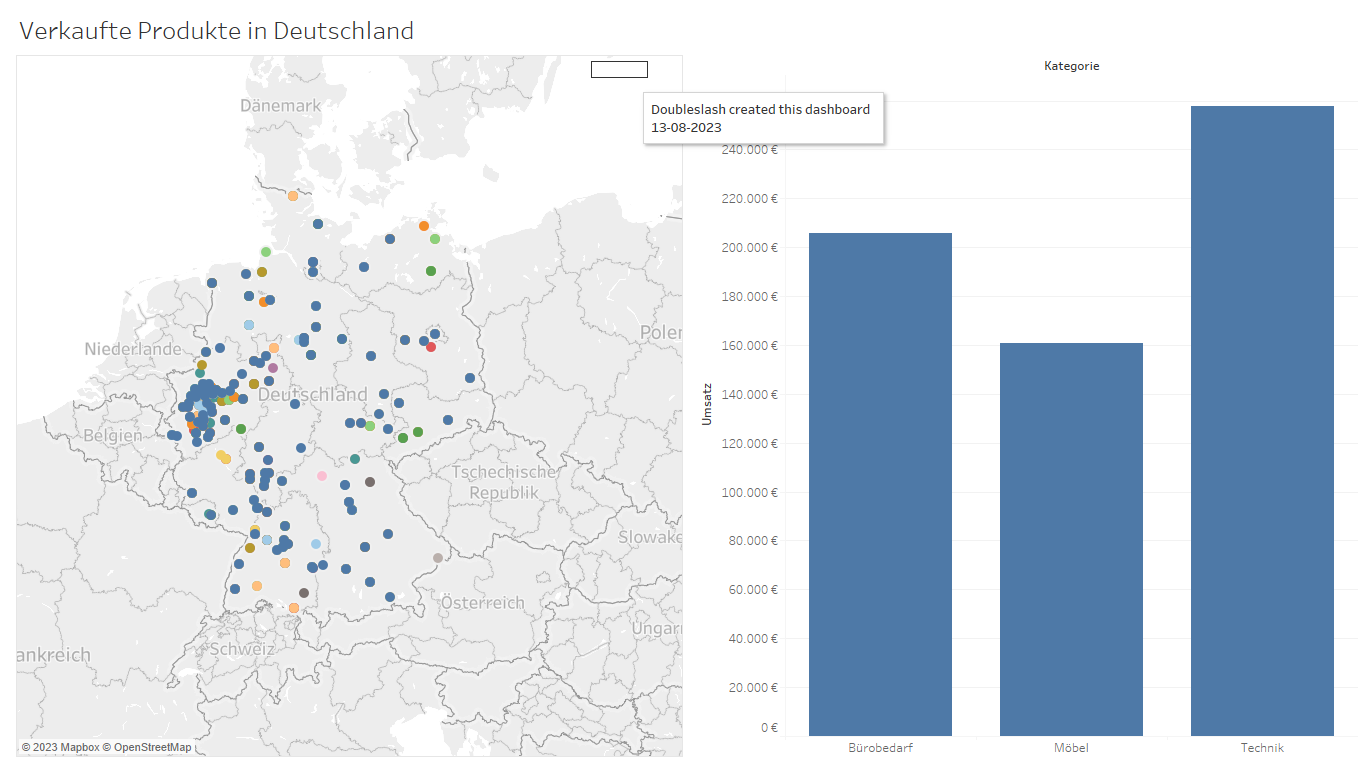
Some creators of dashboards would also like to immortalize themselves in them. However, in order not to include the name in the dashboard and thus possibly cause a lack of understanding, you can include your name and other desired messages as an Easter egg in the dashboard. This way it does not disturb the "overall picture" of the dashboard and perhaps one or the other user will be pleased to have discovered something "mysterious".
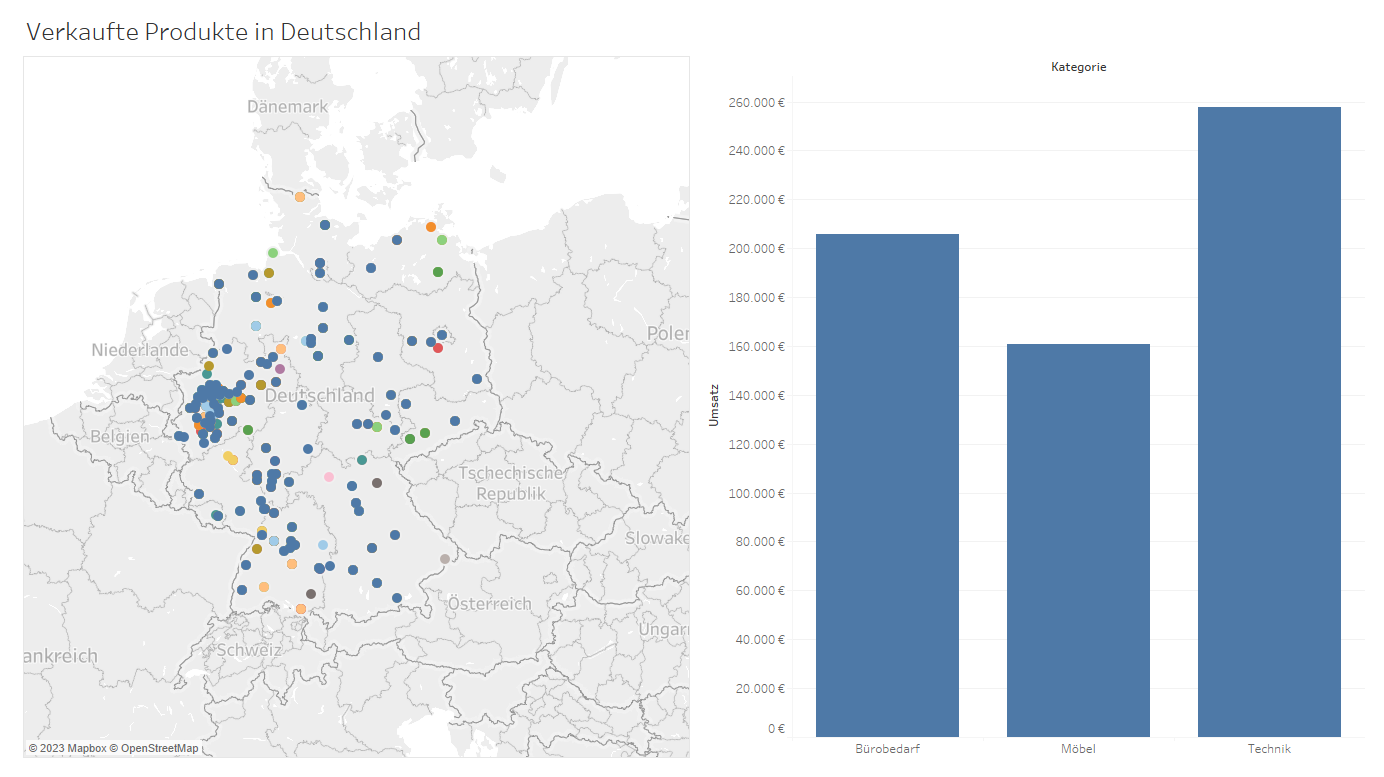
This is what the dashboard looks like without a visible Easter egg:
And when hovering, you will find the "Easter Egg" with the Creator's message:
How can this be implemented in Tableau?
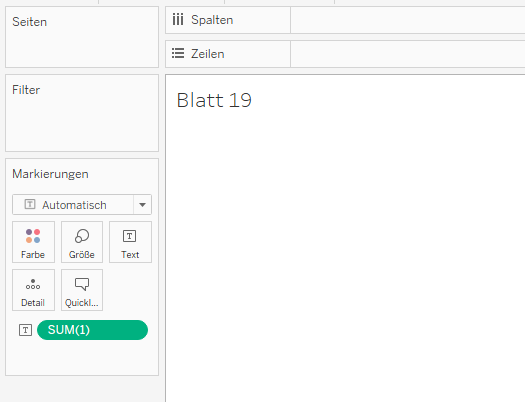
- Create new sheet
- Create calculated field that only contains a "1"
- Then drag this to "Text" for markings
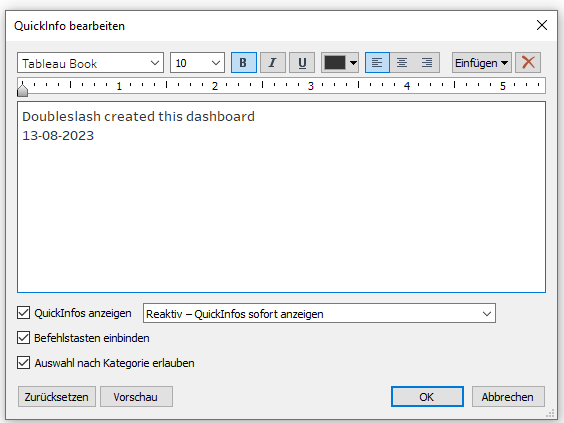
- Then open the tooltip and enter the desired message there:
- Now set the text of the calculated field to "white" (or the color of the dashboard background) so that text is no longer visible.
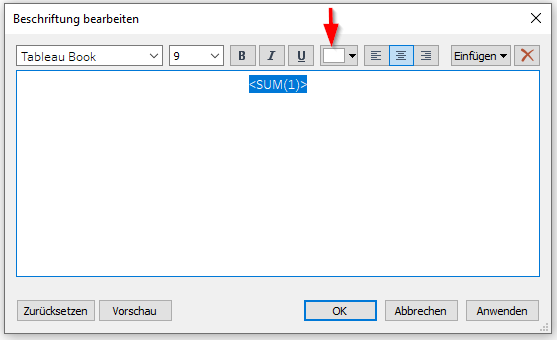
- Drag the created sheet onto the dashboard, but as "Unanchored".
- Place the sheet in the desired position on the dashboard and select "Hide title".
- Now the hidden message appears when hovering over it, but is otherwise not visible on the dashboard.
Picture magic: When dogs conquer the dashboard
The following dashboard contains information about dog breeds, such as their shoulder height, popularity or trainability. There are also various dogs in the dashboard creator's office. He therefore thought it would be a fun idea to include pictures of these well-known office dogs in the dashboard. For each dog breed, a general picture of the breed appears when you hover over the name of the dog breed on the dashboard. If this dog breed also exists in the office, a picture of exactly the dog that is also in the office appears on the left in addition to the general picture of the dog.
This is what this Tableau Dashboard looks like:
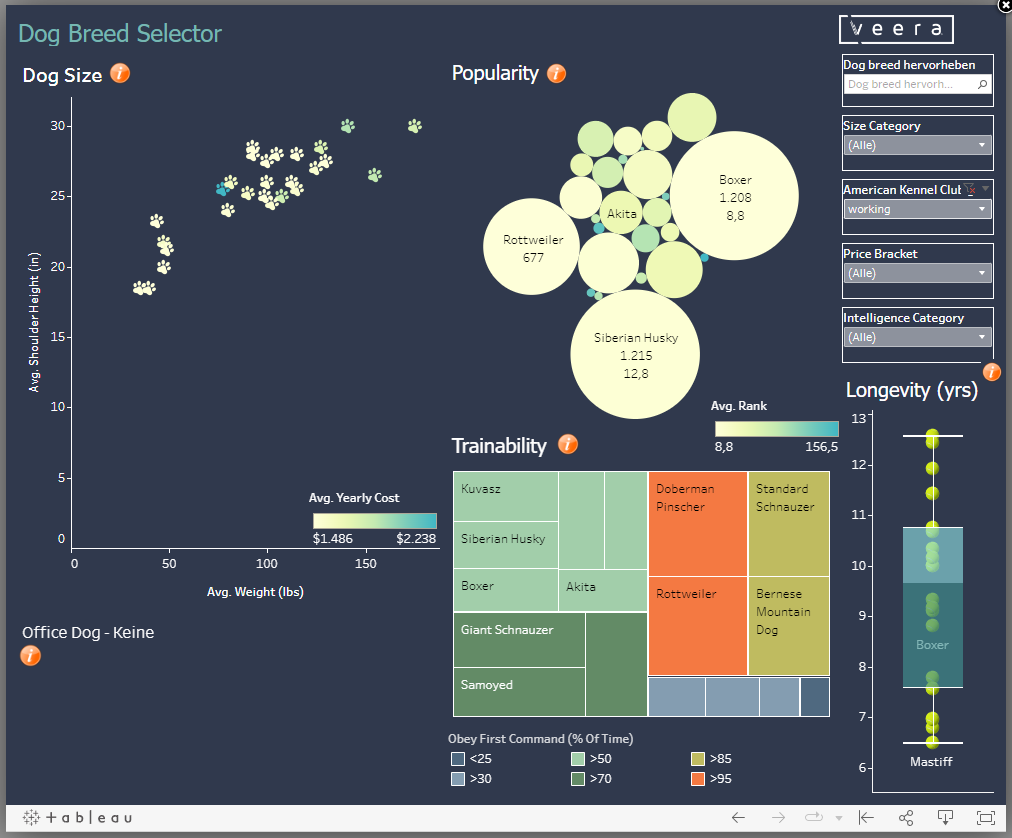
This is what it looks like when you select a dog breed that is not found in the office and hover over it:
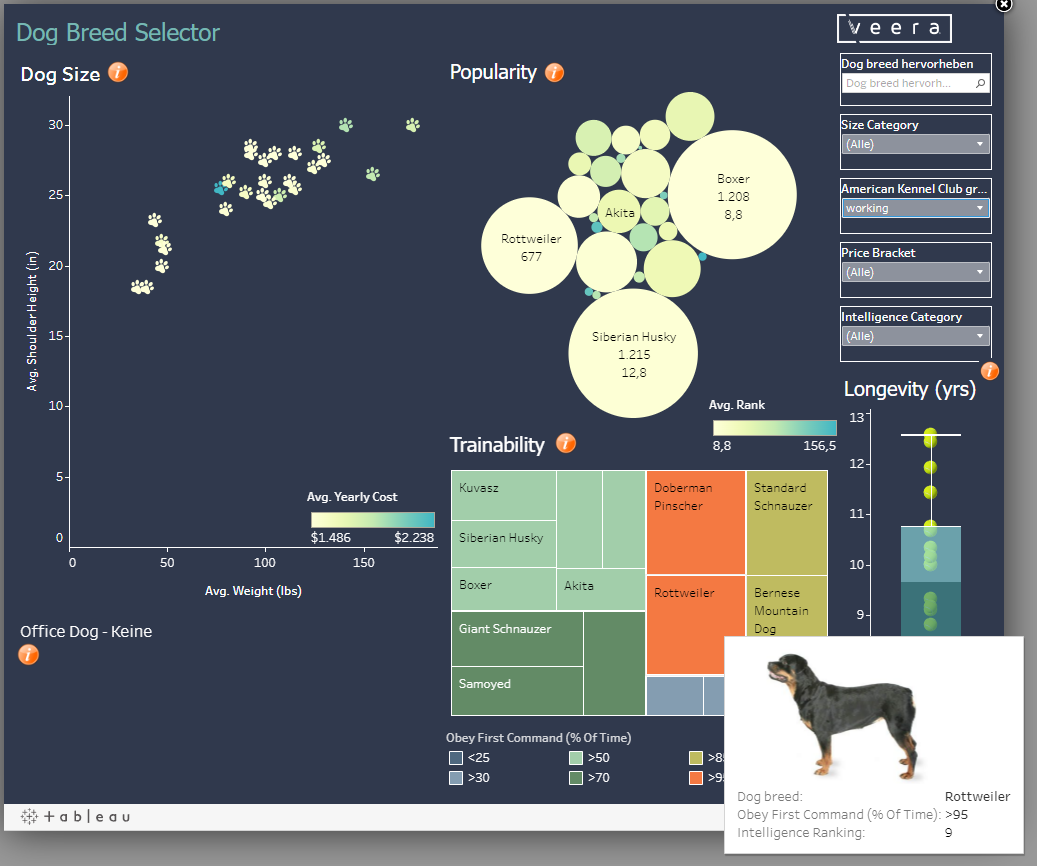
The picture of the selected Rottweiler appears in the tooltip.
And this is what the dashboard looks like when you search for a Siberian husky, which is also available in the dashboard creator's office:
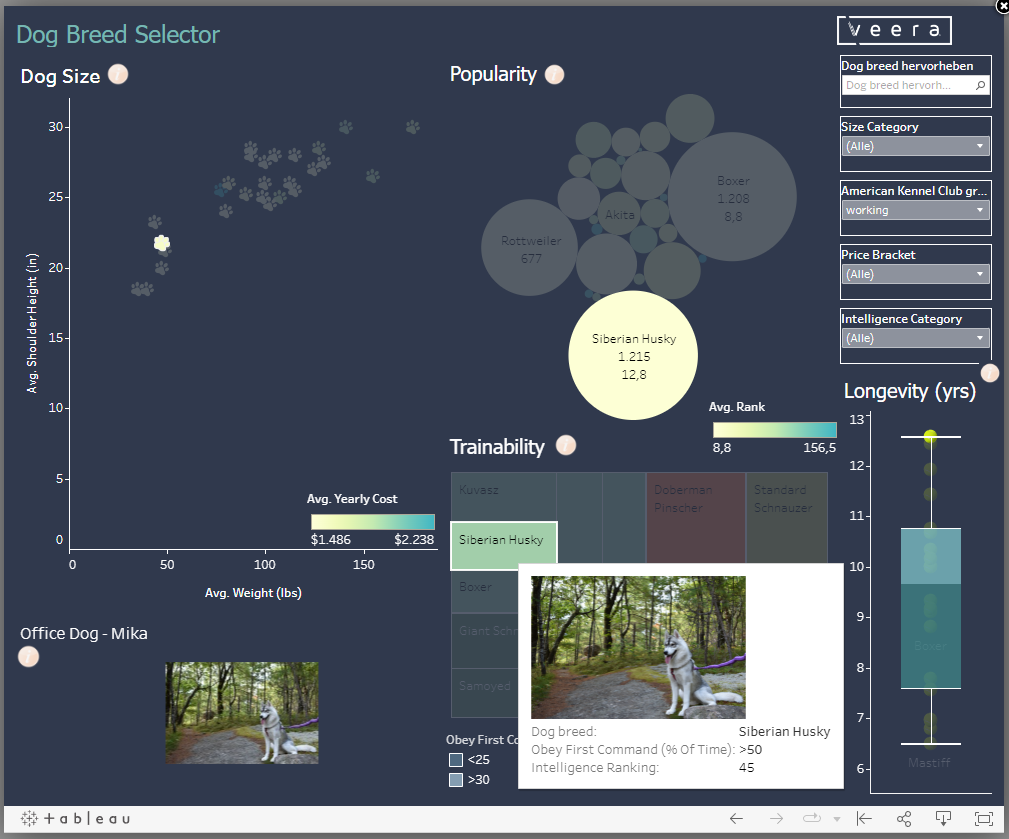
A small picture of the famous husky also appears on the left as a little extra.
Where technology meets creativity
In an era of digitalization and automation, Easter eggs are a refreshing element that shows that software is more than just code. They represent the creative side of technology and remind us that there is always room for innovation and surprises.
Treasure hunt in Power BI: Can you find all the Easter Eggs?
IterationInsights has created a Power BI dashboard in which 10 Easter Eggs hidden are. This dashboard also contains great information about the different chart types in Power BI and what they can be useful for. So if you want to find a few Easter eggs yourself, you can go on a search here and maybe even learn a thing or two.
More data magic: